”Älä häiritse” eli ”Do Not Disturb” (DND) -tila on yksi Apple iPhonen kätevimmistä ominaisuuksista, joka löytyy myös Android-laitteista. Oikein käytettynä tämä toiminto voi olla todellinen pelastus, sillä se auttaa minimoimaan häiriöitä ja tukee keskittymistä elämän oleellisiin asioihin. Itselleni tämä toiminto on erityisen hyödyllinen, sillä se mahdollistaa oman elämän ”kaukosäätimen” hallinnan: voin valita, milloin ja miten puhelimeni häiritsee tai ei häiritse.
”Älä häiritse” -tila voidaan ottaa käyttöön ja pois päältä monella eri tavalla: joko käsin, pikakomentojen eli shortcut-ominaisuuden avulla, sijaintiin perustuen tai jopa käyttämäsi sovelluksen mukaan. Esimerkiksi, voit määrittää puhelimesi siirtymään automaattisesti ”Älä häiritse” -tilaan heti, kun saavut kotiin, ja poistumaan siitä, kun lähdet taas ulos. Vastaavasti voit ajastaa tilan aktivoitumaan ja poistumaan automaattisesti vaikka tiettyinä kellonaikoina, kuten illalla kello 21 ja poistuvan aamulla kello 07, jotta yön aikana ei tule häiritseviä ilmoituksia tai puheluja.
Jos taas haluat keskittyä treeniin ilman häiriöitä, voit määrittää ”Älä häiritse” -tilan aktivoitumaan aina, kun käytät esimerkiksi WorkOutDoors-sovellusta, ja poistuvan sen käytön päätyttyä. Tila on myös täysin muokattavissa, niin että vain tietyt puhelut tai sovellukset pääsevät läpi, vaikka ”Älä häiritse” -tila olisi päällä. Tämä voi olla kätevää, jos esimerkiksi haluat, että tärkeimmät puhelut, kuten läheisten yhteydenotot, menevät läpi myös silloin, kun muut hälytykset estetään.
Yksi ”Älä häiritse” -tilan kätevistä ominaisuuksista on se, että voit säätää sen niin, että toistuvat puhelut, eli jos joku soittaa sinulle useamman kerran peräkkäin, ne pääsevät läpi riippumatta siitä, kuka soittaa tai onko tila päällä vai ei. Lisäksi voit asettaa näytön taustakuvan tai muun visuaalisen näkymän, mutta en mene niihin tarkemmin tässä, sillä niiden säätäminen voi nopeasti viedä huomiota pois itse asiasta: elämän yksinkertaistamisesta ja helpottamisesta.
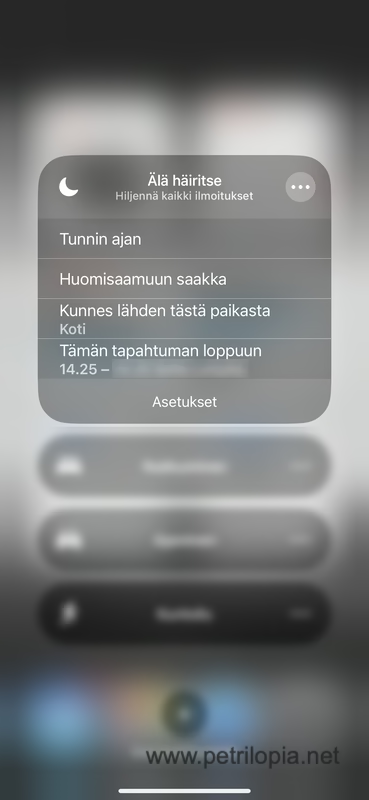
Tilan käyttöön voi myös lisätä ajastuksia kuten ”Tunnin ajan”, jolloin se aktivoituu automaattisesti ja sammuu tunnin kuluttua, ”Huomisaamuun saakka”, jolloin se pysyy päällä seuraavaan aamuun asti, tai ”Kunnes lähden tästä paikasta”, jolloin ”Älä häiritse” -tila poistuu automaattisesti, kun poistut tietyltä alueelta. Esimerkiksi elokuvateatteriin mentäessä voit helposti laittaa puhelimen hälytykset pois päältä ja varmistaa, ettei sitä unohda poistaa myöhemmin, sillä se menee automaattisesti pois päältä, kun poistut paikalta. Samalla tavalla, jos menette vaikka lapsen kanssa leikkipuistoon, voit automaattisesti aktivoida tilan ja olla huolettomasti puhelimen hälytyksistä, kunnes poistut paikalta.
Miten käytän Älä häiritse tilaa?
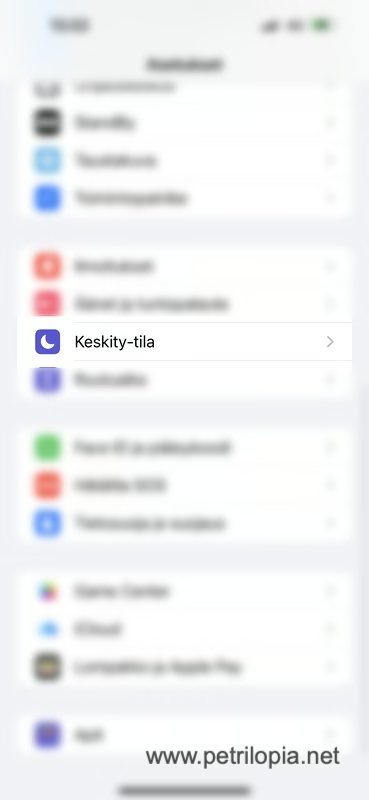
Asetukset
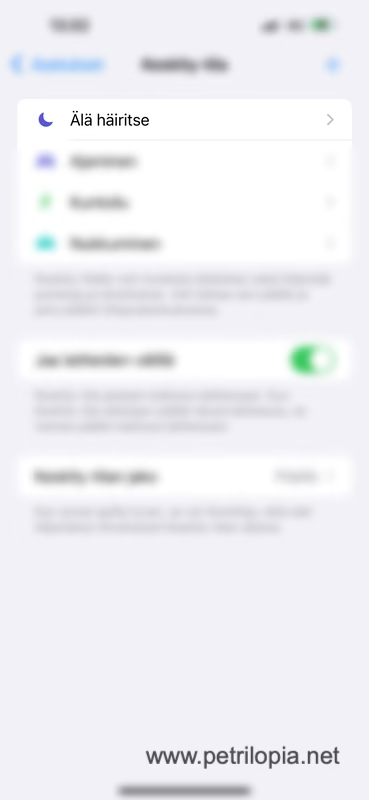
Keskity-tila
Älä Häiritse
Käyttäjä
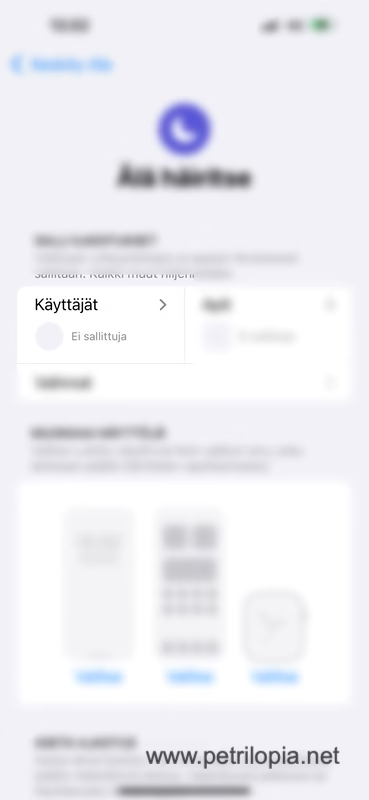
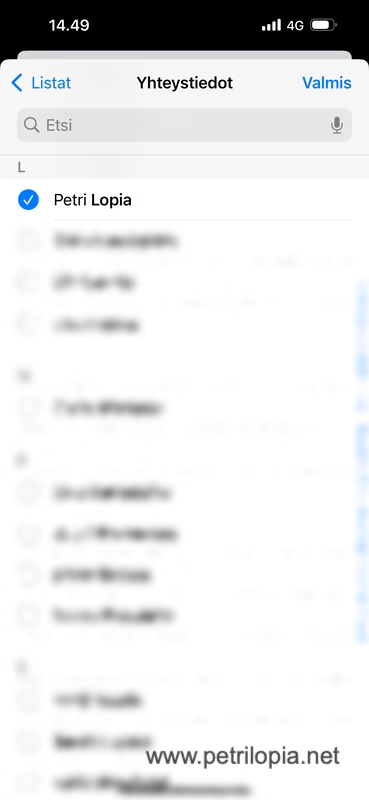
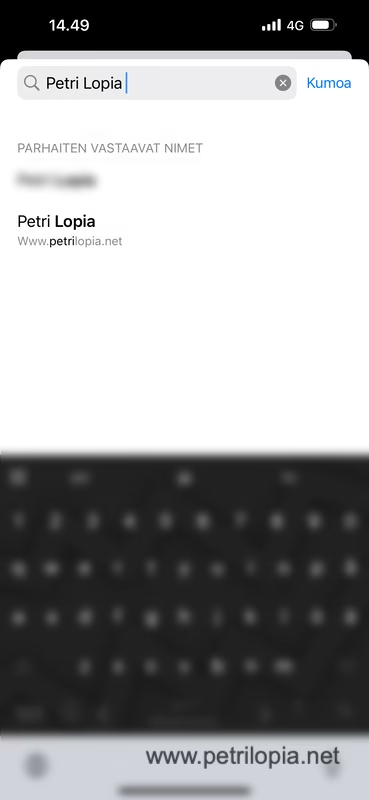
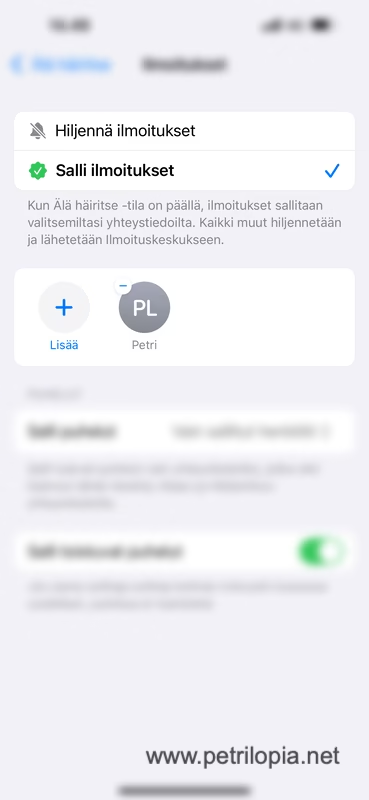
”Hiljennä ilmoitukset”
”Salli ilmoitukset”
(Tähän voit valita ne kontaktit joiden yhteydenotot haluat päästää läpi tai päinvastoin joiden yhteydenotoista et halua ilmoituksia)
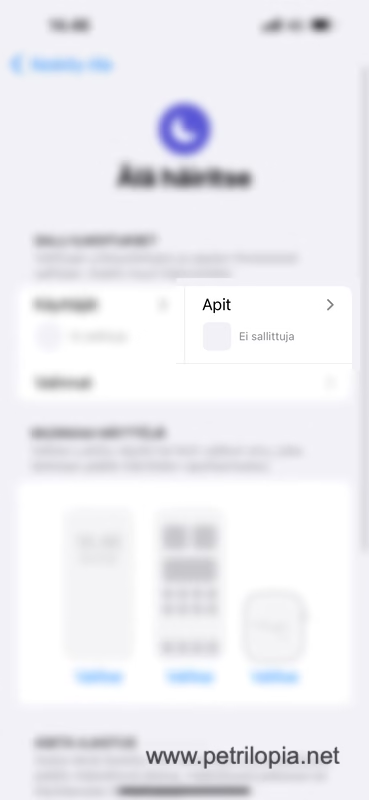
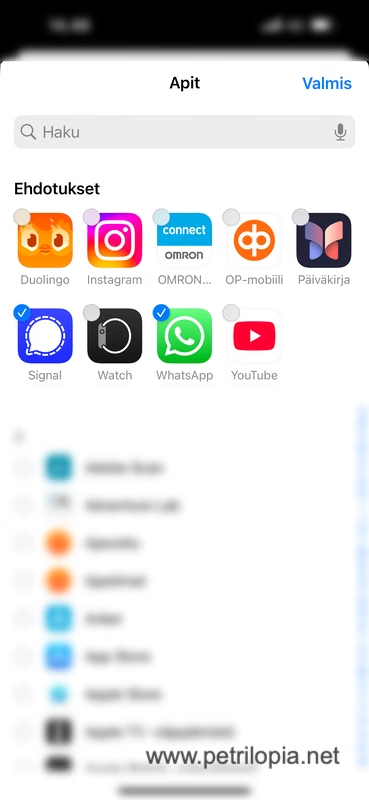
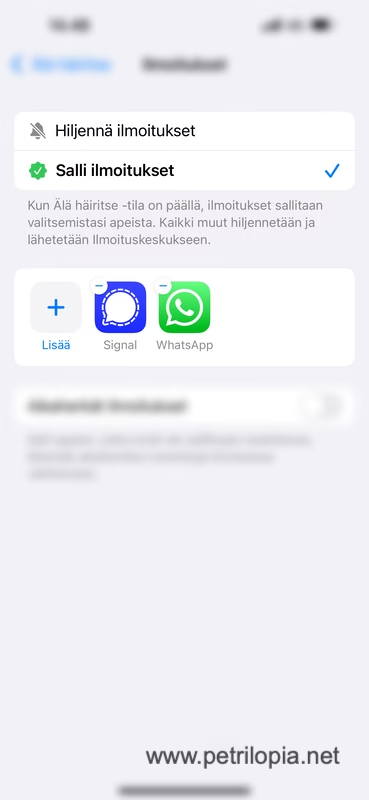
Apit
”Hiljennä ilmoitukset”
”Salli ilmoitukset”
(Tähän voit valita ne apit joiden ilmoitukset haluat päästää läpi tai päinvastoin ne joiden ilmoituksia et halua päästää läpi)
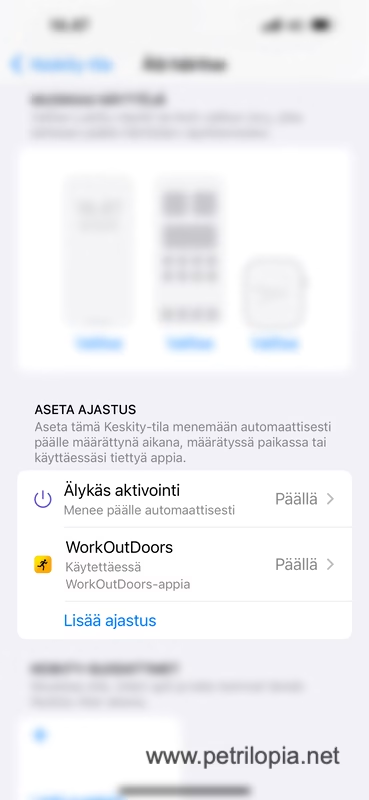
Älykäs aktivointi
Älykäs aktivointi päälle
(Kytke älykäs aktivointi päälle jos se ei jo valmiiksi ole)
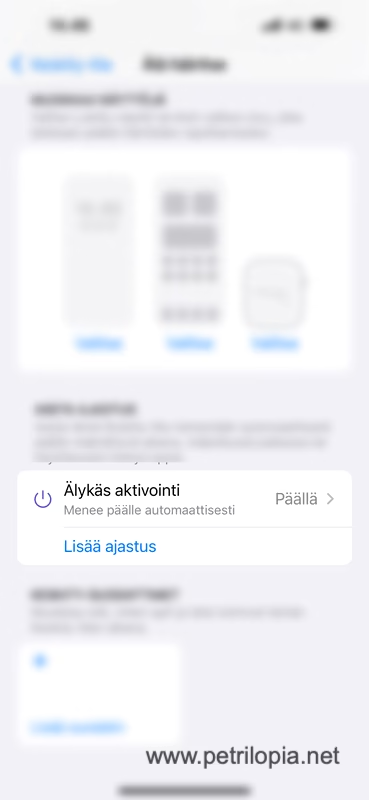
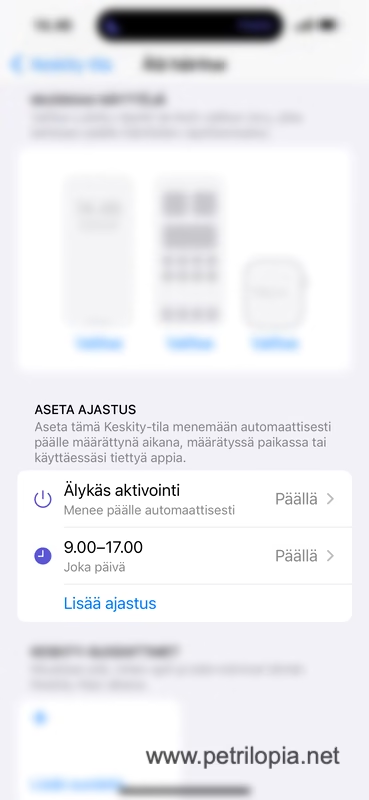
Lisää ajastus
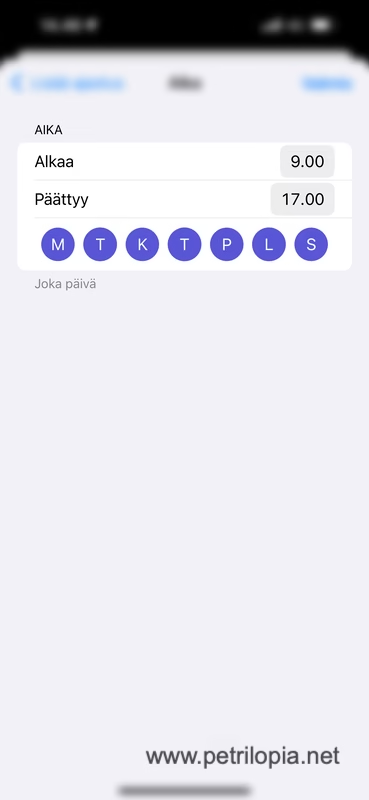
Aika
21:00 – 07:00 Ma-Pe
(Tähän on kätevä laittaa tarpeesta riippuen ajastettuna esim. yöksi tai vaikka työpäivän ajaksi ”Älä häiritse” automaattisesti päälle)
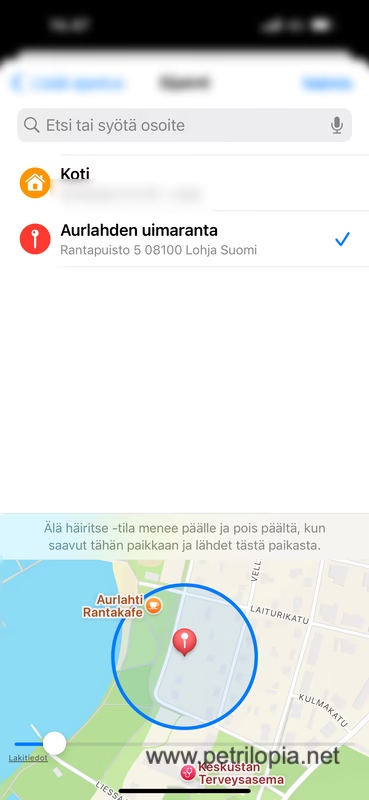
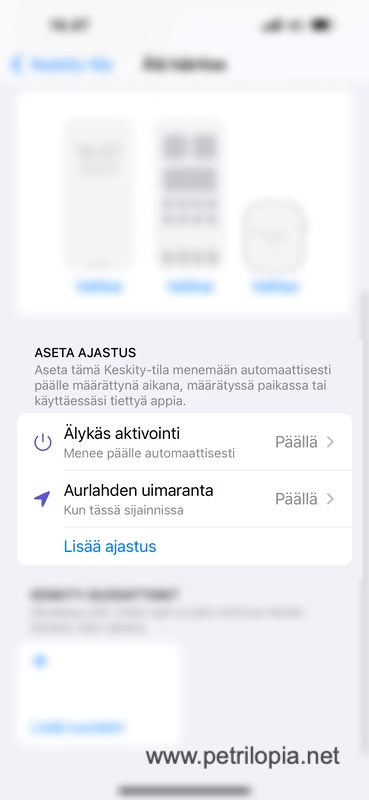
Sijainti
Syötä osoite esim. leikkipuisto jossa käyt lapsesi kanssa jolloin puhelimesi aktivoi automaattisesti ”Älä häiritse” tilan, kun olet lapsesi kanssa leikkipuistossa ja saat leikkiä rauhassa ilman puhelimen häiriköintiä.
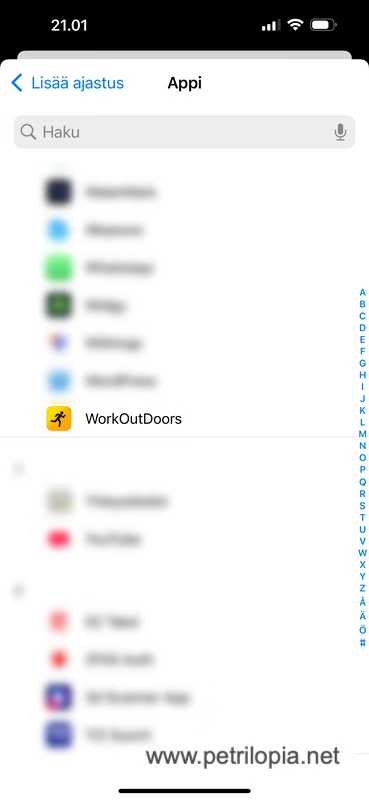
Appi
Valitse Appi esim. WorkOutDoors
Tällöin puhelimesi kytkee ”Älä häiritse” tilan automaattisesti päälle, kun lähdet kuntoilemaan jolloin saat kuntoilla rauhassa ilman häiriöitä ja, kun lopetat kuntoilun niin ”Älä häiritse” tila
poistuu automaattisesti myös käytöstä ilman, että sitä täytyy aina erikseen muistaa.
Mikäli haluat tehdä tämän mahdollisimman yksinkertaiseksi, vedä näytön yläreunasta alas ja valitse ”Keskity” ja sieltä ”Älä häiritse” -tila. Näet vaihtoehtoina muun muassa seuraavat:
– *Tunnin ajan* – Tila pysyy päällä tunnin ja sammuu automaattisesti.
– *Huomisaamuun saakka* – Tila pysyy päällä seuraavaan aamuun asti.
– *Kunnes lähden tästä paikasta* – Tila sammuu, kun poistut määritellystä paikasta.
– *Tämän tapahtuman loppuun* – Tila pysyy päällä siihen asti, kun valittu kalenteritapahtuma päättyy.
Jos et näe ”Keskity”-asetuksia control centerissä, voit lisätä sen helposti vasemman ylänurkan muokkausnapista. Jos haluat tietää lisää, ota yhteyttä, ja voimme käydä asiasta tarkemmin läpi.
Vaikka ”Älä häiritse” -tila tarjoaa myös monia muita säätömahdollisuuksia, en käsittele niitä tässä, sillä tarkoitukseni on pitää käyttö mahdollisimman selkeänä ja yksinkertaisena. Automatisoinnilla voi olla valtavasti hyötyä, mutta liiallinen säätäminen tai monimutkaisempien automaatioiden luominen saattaa vain johtaa siihen, että ne eivät toimi odotetusti, ja virheiden selvittäminen on silloin usein vaikeampaa. Pidä siis käyttö yksinkertaisena, niin se todella tukee elämäsi sujuvuutta.
Jos et saanut ohjetta toimimaan tai huomasit siinä virheitä niin otathan yhteytä minuun tämän lomakkeen avulla.